Scan. Explore. Decide.
A table QR opens your branded menu in the browser. Guests discover dishes, search, filter and see variations without installing an app.
A better first impression ServeMantra
Thoughtfully built for independent restaurants
From the first scan to the last sip. One simple space for your menu, your tables, your team—and a smoother dining experience.
Early access · Owner signup is open · More features on the way
01 / The experience
Great service should feel effortless. ServeMantra is being built to connect guests, tables and the kitchen—without the complexity of a full POS.
The journey below describes the planned dining experience. Account signup and the owner dashboard are available today.
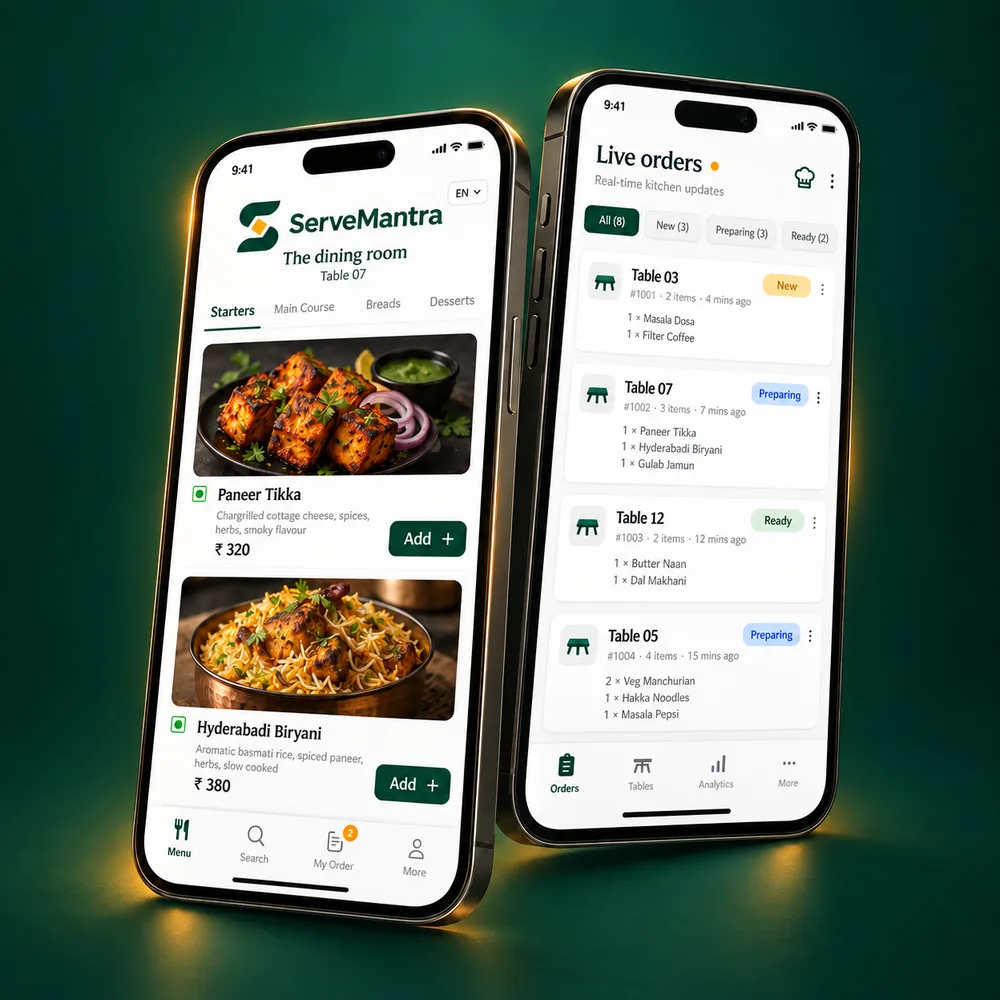
A table QR opens your branded menu in the browser. Guests discover dishes, search, filter and see variations without installing an app.
A better first impressionOne OTP-verified device manages the table. Guests add notes and order another round; your team accepts and prepares each item.
Everyone stays in the loopYour restaurant confirms the total. Guests pay at the counter or directly by UPI, and staff verify the payment before closing the table.
Your money, directly to you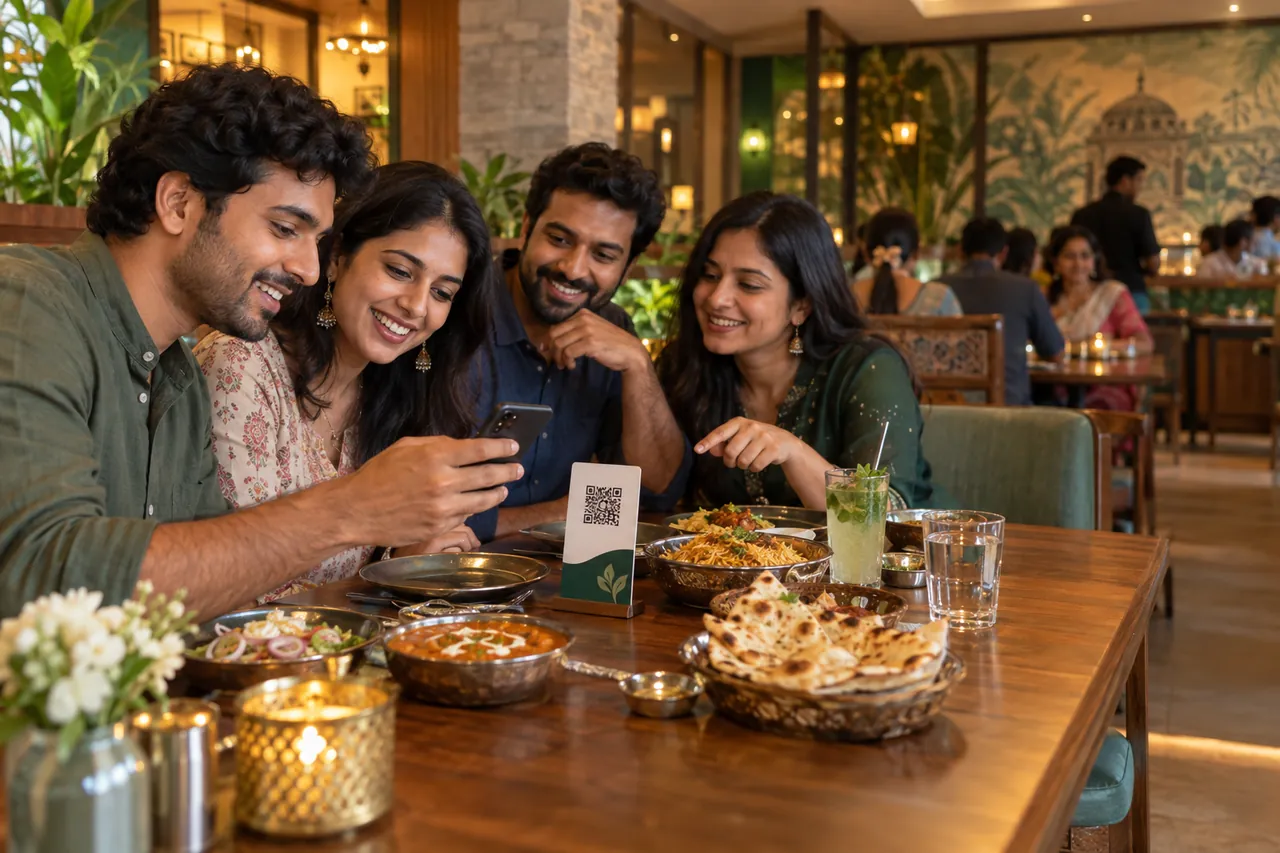
One scan. Everyone settled.
No download and no unfamiliar hardware at the table. Guests scan, browse and decide together while your restaurant keeps control of availability, ordering and service.
02 / A place for everything
Practical tools for the moments that matter, from preparing your menu to understanding your busiest service.
Product roadmap · Features in developmentMenu onboarding
Upload photos or a PDF, import a spreadsheet, paste text, or use rapid entry. AI-assisted extraction creates an editable draft for your review. Nothing goes live without your approval.
Guest discovery
Searchable categories, variations, add-ons and clear prices. Dietary and spice filters use restaurant-confirmed information. Photography is optional; a clean text menu works beautifully.
Restaurant website
Every restaurant receives a branded, search-friendly ServeMantra page with its name, location, service modes, contact details and published menu—all at a memorable URL with a unique six-digit ID.
Tables & ordering
Unique table QR codes, one ordering host per session, multiple rounds, item notes and assistance requests. Staff can transfer access when a guest changes devices.
Kitchen & service
Live order and table views, item acceptance or rejection, preparation updates and ready-to-serve states. Table-service and self-service pickup flows support the way you operate.
Checkout & payments
Confirm discounts, charges and the final total. Offer a UPI link or payment QR, or accept cash, card and UPI at the counter. A payment claim stays pending until your staff verifies it.
Insights & exports
Understand popular dishes, order value, searches, payment methods and preparation times. Export order summaries and item details as CSV or XLSX, with date, outlet and status filters.
Owner, manager, kitchen and waiter roles, with restaurant-scoped permissions and a history of important changes.
Planned restaurant-defined combinations and rules-based recommendations. Natural-language assistance is a future direction.
An installable owner interface and browser-based guest experience. Ordering and payments require an internet connection.
Beyond the rush
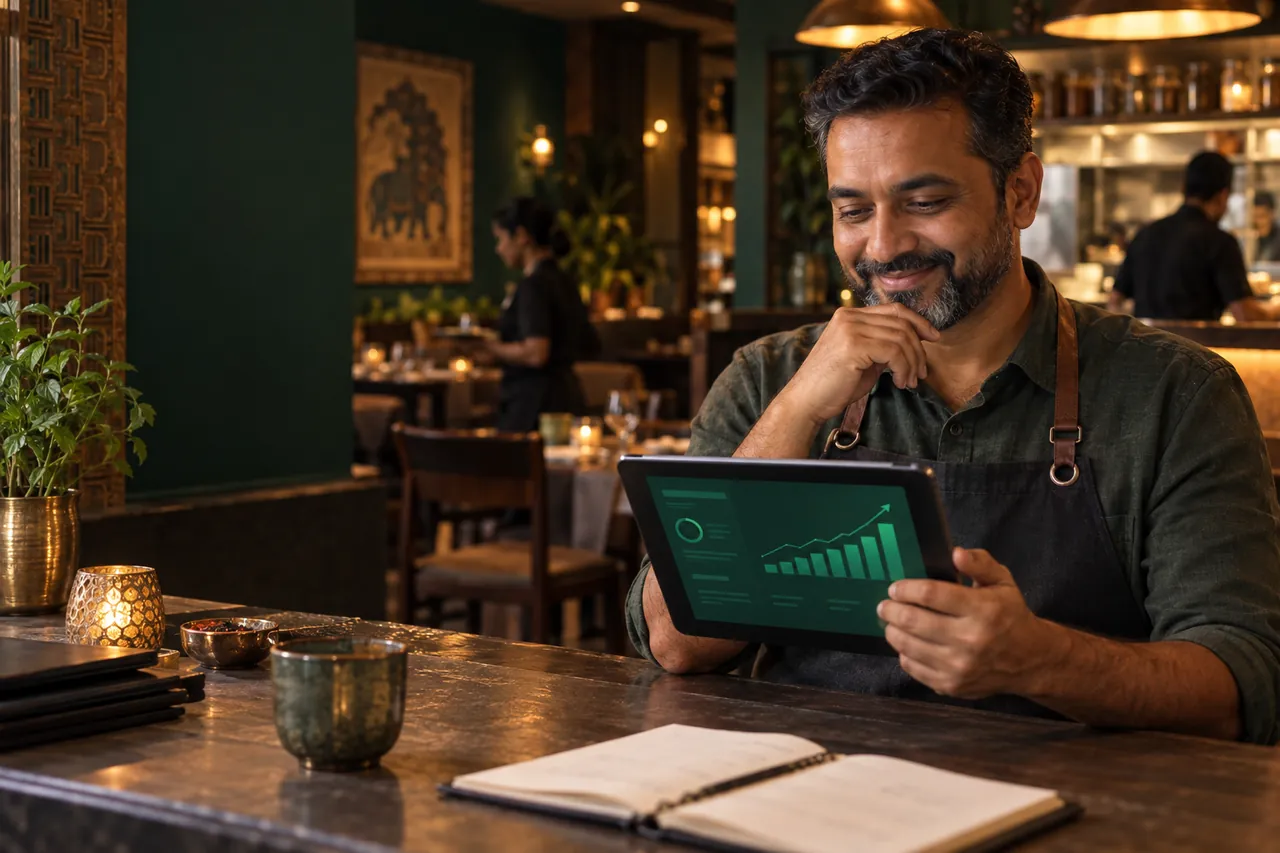
ServeMantra’s planned reports turn daily orders into practical signals: popular dishes, order value, payment mix and preparation time.
Compare periods and understand the story behind the number—without promising that every restaurant will see the same result.
03 / Your kind of restaurant
Guests browse at their own pace, one host manages the order, and your team handles acceptance, preparation, service and checkout.
Customers order, receive a pickup number and collect when ready. Your kitchen follows a clear queue while you stay in control of payments.
Useful by design
Plain-language ideas for digital menus, restaurant websites and using service data well.
Make scanning, browsing and ordering feel natural at the table.
Build a useful, indexable home for your menu, location and service details.
Focus on the few numbers that can improve menu and service choices.
04 / Build your next chapter
We’re opening ServeMantra in stages, with independent restaurants at the centre. Create your owner account and set up the essentials today.
Create your accountYour trial begins when you sign up. The full ordering experience is being developed in phases.
Menu import & publishing, QR ordering, kitchen operations, checkout, exports and analytics.
Future plan pricing and post-trial restrictions are not yet finalised.
05 / A few good questions
You can create an owner account with mobile OTP, enter the restaurant, owner and location details, choose your service modes, receive a unique public restaurant page and access the foundation dashboard. SMS delivery must be configured by the deployment operator. The phone mockups illustrate the intended menu and operations experience; those workflows are still in development.
The planned guest experience runs directly in a browser. Guests can browse without signing in; OTP is required when starting an order. Owners and staff can use the installable PWA interface.
Everyone can browse. The planned table-host system gives one OTP-verified device control of ordering and payment during an active session. Staff can transfer that control if the host loses access to their device.
The restaurant confirms the amount, and ServeMantra generates a UPI intent and QR for the restaurant’s UPI ID. A reference number or screenshot is only a payment claim. Staff must verify receipt before marking it complete. Guests can also pay at the counter.
The menu roadmap includes photo and PDF extraction, Excel or CSV import, pasted text and rapid manual entry. Imported items remain drafts. Owners review prices, variations and uncertain details before publishing.
ServeMantra focuses on ordering and restaurant operations. It is not accounting software or a statutory invoicing system. Order summaries are provided for convenience and are not tax invoices; restaurants remain responsible for official invoices, taxes, refunds and records.
The product is designed around separate restaurant data and outlet records. Menu copying, outlet filtering and centralised multi-outlet reporting are planned as the platform develops.
The owner app includes an offline fallback. Sign-in, ordering and payment actions require internet connectivity; an offline action is never presented as a submitted order.
Good food. Thoughtful service.