Scan and browse
A table QR opens the live restaurant menu in the browser—no download required.
 ServeMantra
From first scan to final check
The planned ServeMantra flow gives guests freedom to explore while helping the restaurant keep orders, preparation and payment in one understandable rhythm.
The ordering journey is on the roadmap. Today, restaurants can create their account and public page while the service workflow is developed in phases.
A table QR opens the live restaurant menu in the browser—no download required.
One OTP-verified host manages the order while everyone can explore the menu.
Kitchen and service teams follow clear item states from new to ready and served.
The restaurant controls checkout, verifies payment and later reviews useful trends.
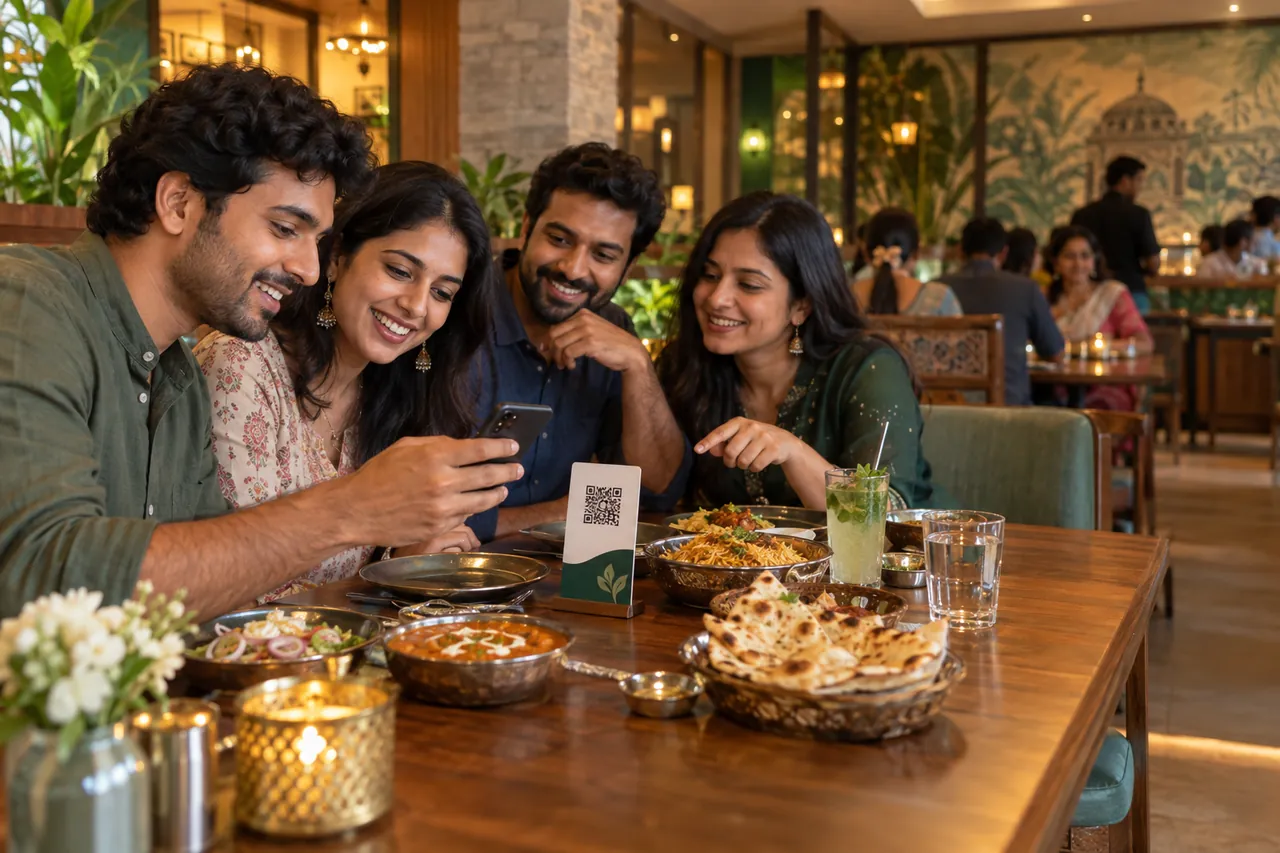
At the table
The phone is a convenient doorway, not the centre of the meal. Clear menu structure helps guests decide, then gets out of the way.
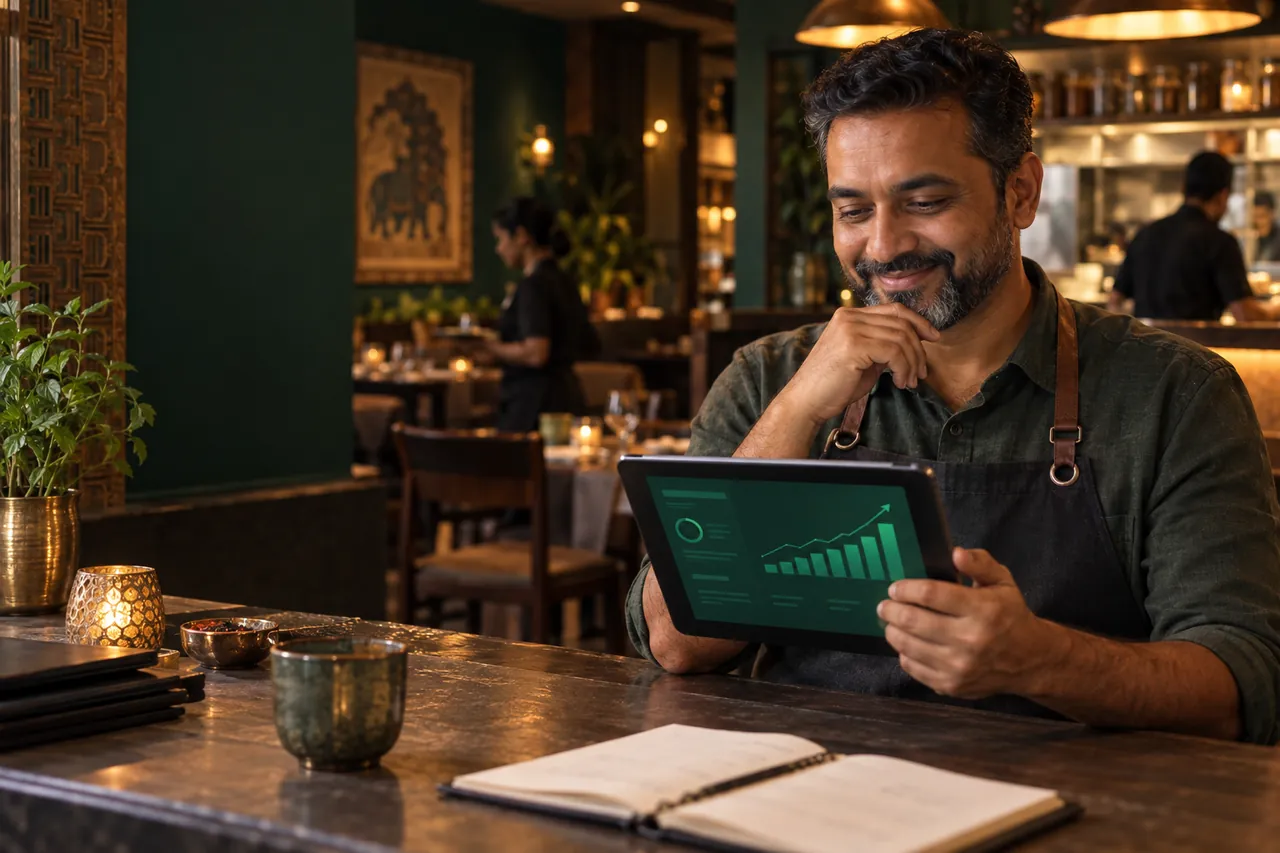
After service
Planned reports connect order activity to practical questions: which dishes are gaining attention, when preparation slows down, and how payment preferences change.
Read the reporting guideServeMantra separates the account setup that is available now from the ordering workflow being built next. Here is how the connected experience is designed to work.
01 / Create the foundation
A new owner enters a mobile number and receives a time-limited OTP. Because that code should be used promptly, signup asks only for the owner’s name. The restaurant form appears after successful verification on the dashboard, where the OTP can no longer expire. The owner supplies the restaurant name, city, state, dine-in or takeaway options, and the preferred table-service or self-service style.
Saving those details creates the basic restaurant workspace, a main outlet and a public website page with a unique address. Optional information can be completed later. This staged approach keeps the security step short without losing the operational information the platform needs.
02 / Build the menu
The planned menu tools accept photographs, PDFs, spreadsheets, pasted text and rapid manual entry. Automated extraction is intended to reduce typing, not remove owner control. Imported categories, prices and variations remain drafts until someone at the restaurant reviews them. Uncertain or conflicting details should be flagged clearly instead of guessed.
Once approved, the published menu becomes the source guests browse. Availability changes should be quick enough to make during service, while scheduled breakfast, lunch or dinner periods can handle predictable changes. A restaurant may publish a polished text-first menu and add food imagery gradually.
03 / Welcome the table
A guest scans a restaurant or table QR code and opens the menu directly in the browser. Browsing does not require an account or an installation. Search, categories and relevant filters help people compare dishes together. Only when someone taps Start Order does OTP verification enter the flow.
At a table, the first verified guest becomes the order host. Other phones can continue browsing, but one device controls changes and submission. This reduces accidental duplicate orders. If that device is lost or its owner leaves, restaurant staff can approve a transfer and revoke the old access.
04 / Keep service moving
Submitted items move through understandable states such as new, accepted, preparing, ready and served or collected. A table-service guest can add another round during the same session, while a self-service guest can follow a pickup number. Notes such as “less spicy” remain attached to the relevant item.
The kitchen view prioritises work, the service view shows what needs attention, and a table view shows the larger dining state. Efficient short polling keeps these screens fresh on shared hosting without depending on a continuously running server or WebSockets.
05 / Close with confidence
The guest requests checkout; the restaurant reviews accepted items, applies any restaurant-controlled discount or charge, and confirms the payable total. The result is an order summary, not a statutory tax invoice. The restaurant remains responsible for its official invoice and financial records.
Guests may pay at the counter or use a direct UPI link or QR. A screenshot or reference number records a payment claim, but it never proves receipt by itself. The claim stays pending until authorised staff verify it and close the table. That human confirmation prevents the software from promising automatic payment verification it does not provide.
06 / Learn and improve
After service, planned dashboards and exports bring together orders, item details, payment methods, preparation timing and search behaviour. Owners can look for practical signals: a dish viewed often but rarely ordered, a time when preparation slows, or a frequent search that produces no result.
The goal is not to manufacture a dramatic growth claim. It is to make everyday restaurant data easier to discuss and act upon. ServeMantra’s current live foundation is owner signup, dashboard onboarding and the restaurant page; menu, ordering, kitchen, checkout and reporting features will arrive in controlled phases.
Begin with what is live