
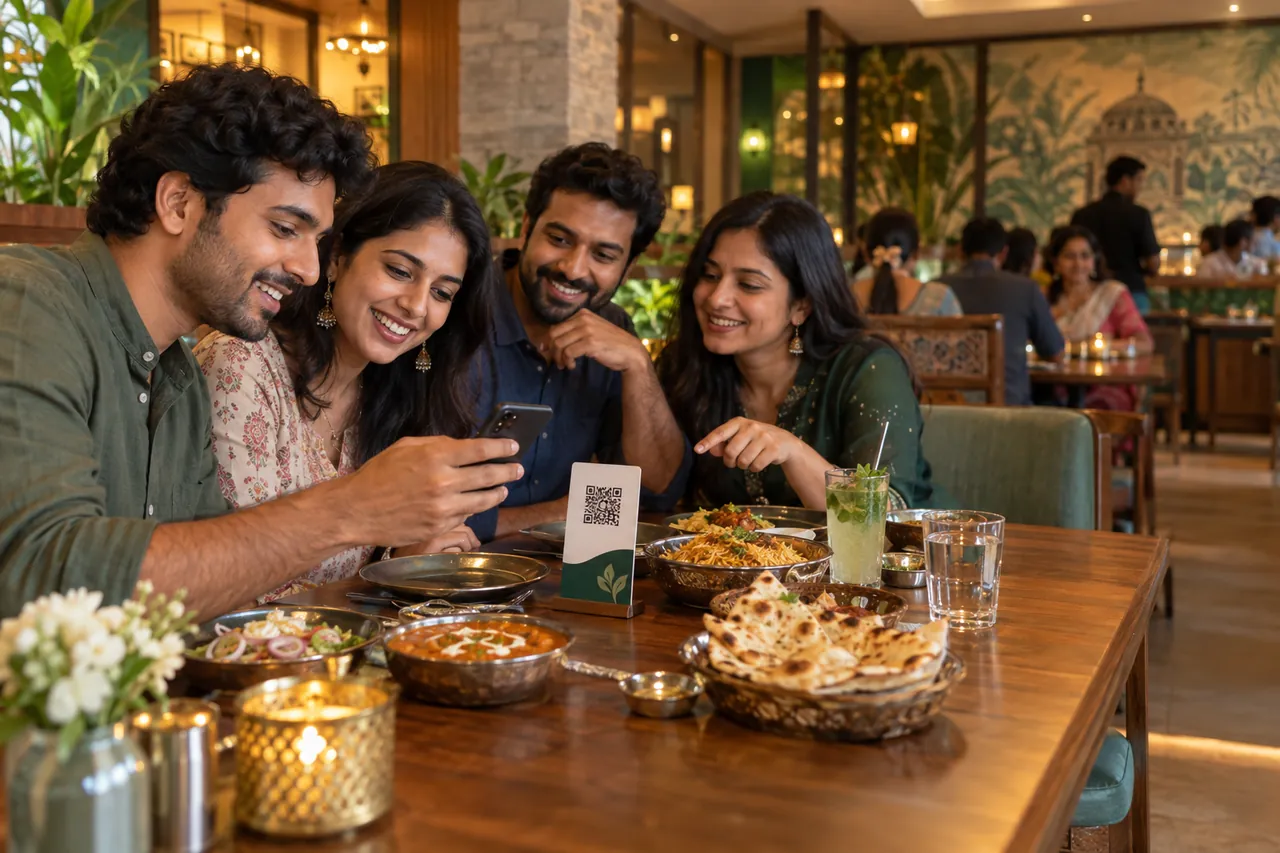
A QR code can remove printing delays and make menu updates easier, but the code alone does not create a better guest experience. Success depends on what happens before the scan, how quickly the page loads, and whether the menu remains clear on an ordinary phone.
1. Put the code where the decision happens
Place a clean, high-contrast QR card where seated guests can reach it without moving glassware or leaning across the table. One code per table is often enough when everyone can browse and one verified host manages the final order.
Add a short instruction such as “Scan to view the menu.” Guests should never have to guess whether the code opens a menu, a payment page or a social profile.
2. Make the first screen immediately useful
The menu should open with the restaurant name, the current service mode and recognizable categories. Avoid forcing a login before browsing. Authentication is better reserved for an action that genuinely needs identity, such as taking control of an order.
3. Organize around how guests choose
Category names should sound familiar. Within each category, show dish name, price and a concise description before secondary information. Variations and add-ons should appear close to the item so the final price is understandable.
- Use consistent vegetarian and non-vegetarian markers.
- Publish dietary information only when the restaurant has confirmed it.
- Keep unavailable items visible only when that information helps; otherwise hide them.
- Use photographs selectively and keep them honest.
4. Keep staff in control
Digital ordering should not silently bypass restaurant judgment. New orders need a clear acceptance step, unavailable items need a rejection path, and guests should know whether an item is confirmed, being prepared or ready.
At checkout, a UPI reference or screenshot should be treated as a payment claim until staff verify that the restaurant actually received the money.
5. Always offer a human route
Some guests prefer a printed menu, need accessibility help or simply want a recommendation. Keep that option available. The strongest digital menu supports hospitality rather than replacing it.
Build your restaurant’s public foundation
Create a ServeMantra owner account, add your restaurant details and receive a unique public restaurant page.
Start your account